
Web Analytics on Autopilot
We generate weekly insights from your GA4 and Search Console data

No credit card needed to get started


Trusted by growing marketing teams and solo founders




Works with your existing data from

Users, sessions, conversions, events

Clicks, impressions, click-through rate, position
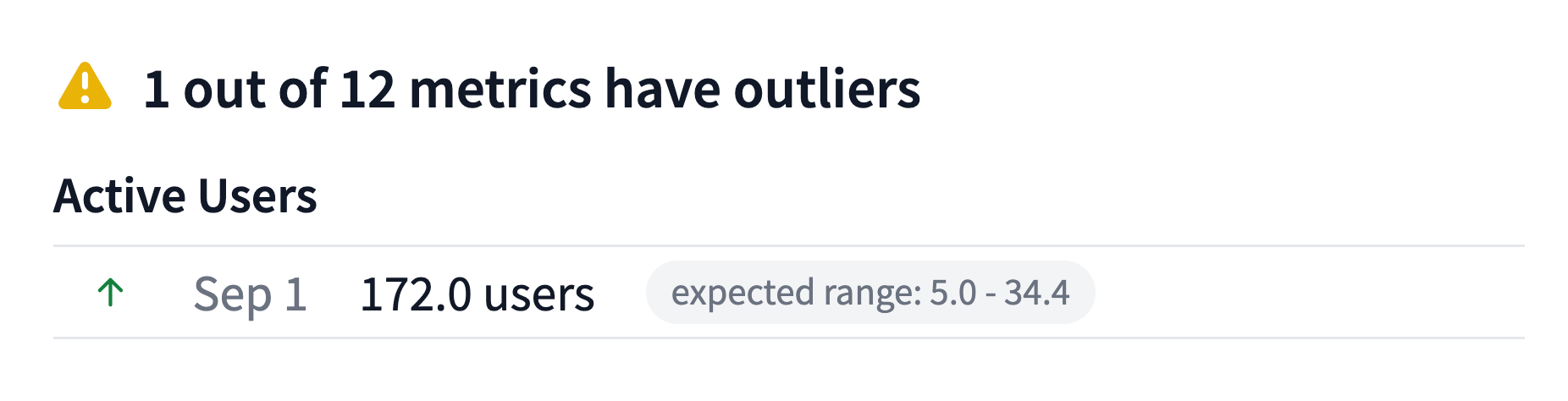
It's Like Having a Data Scientist on Your Team
WebTrafficWatch automatically flags unusual values in your metrics each week. We build a custom linear model from historic data for each of your time series, compare the last 7 days to expected values, and detect any significant deviations. If something looks off, you'll know.
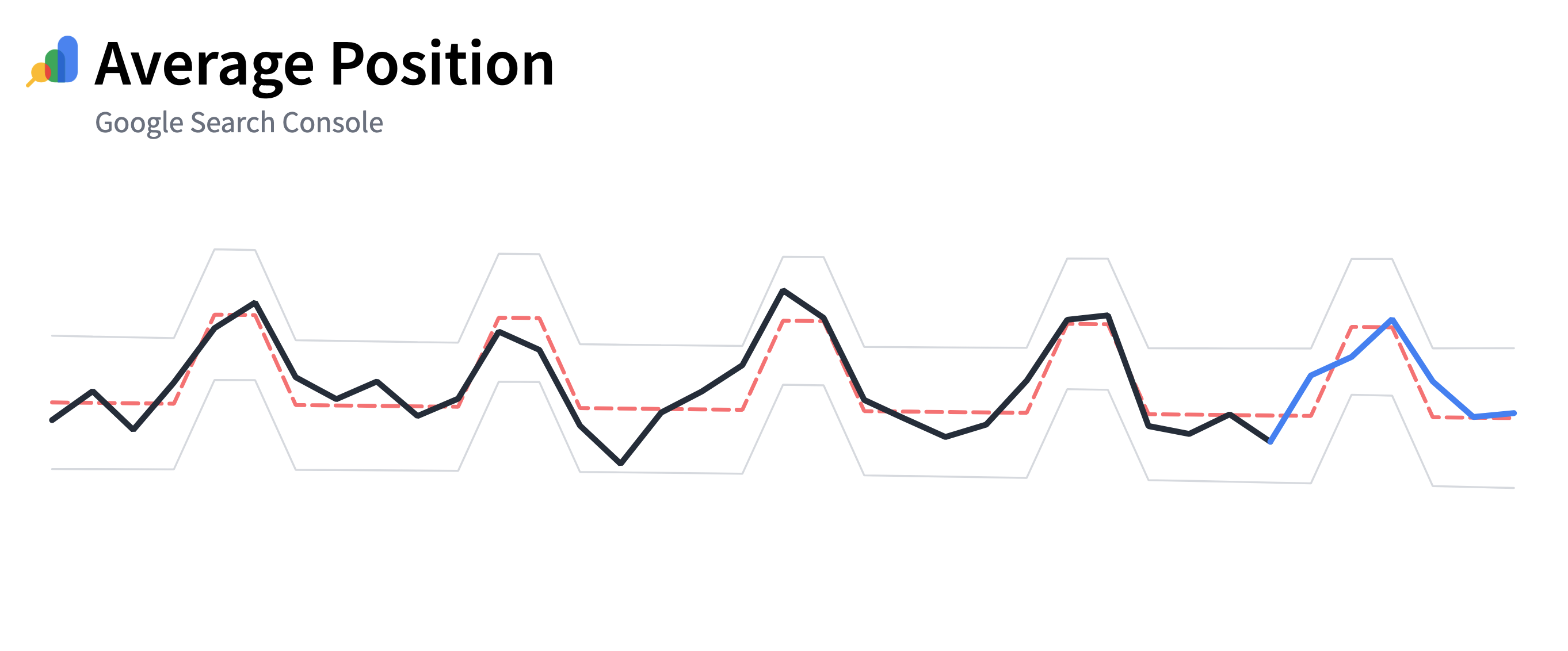
Weekday vs Weekend
Website traffic patterns often differ between business days and weekends. Our models account for that by treating them separately - so you get cleaner insights and more accurate trends.
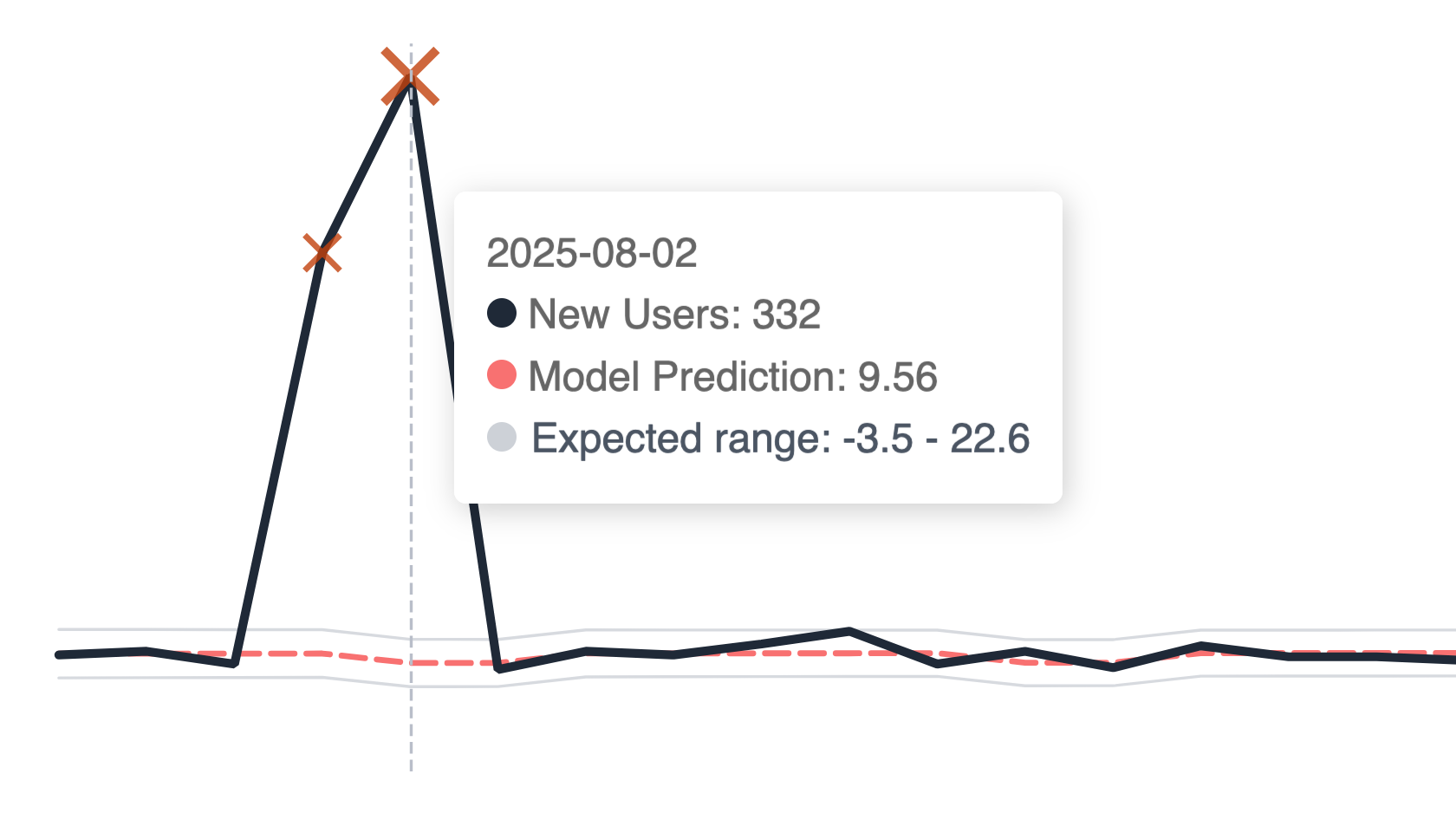
Smart Enough to Ignore Spikes
One viral spike (maybe from your Product Hunt launch) can ruin your trend line and skew it heavily. We clean your data before fitting a model by removing outliers like launch-day traffic. You'll see the real trend, not noise.
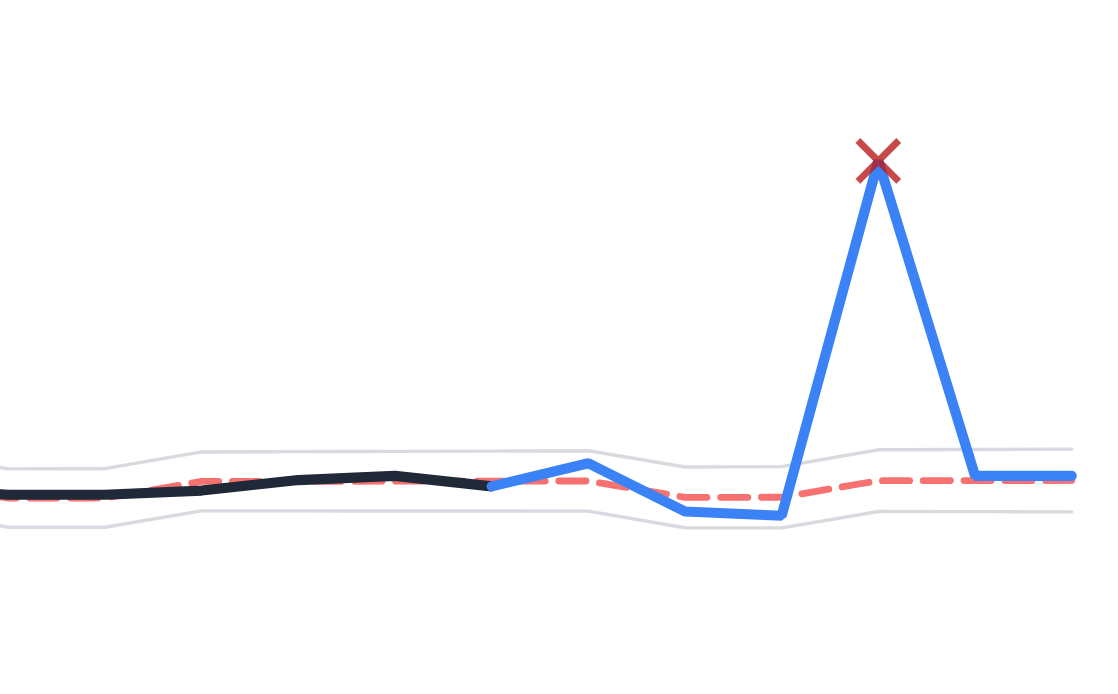
Automatic Anomaly Detection
Each week, we compare recent performance to your historical trend. If anything falls outside the expected range, we list it in the weekly report.
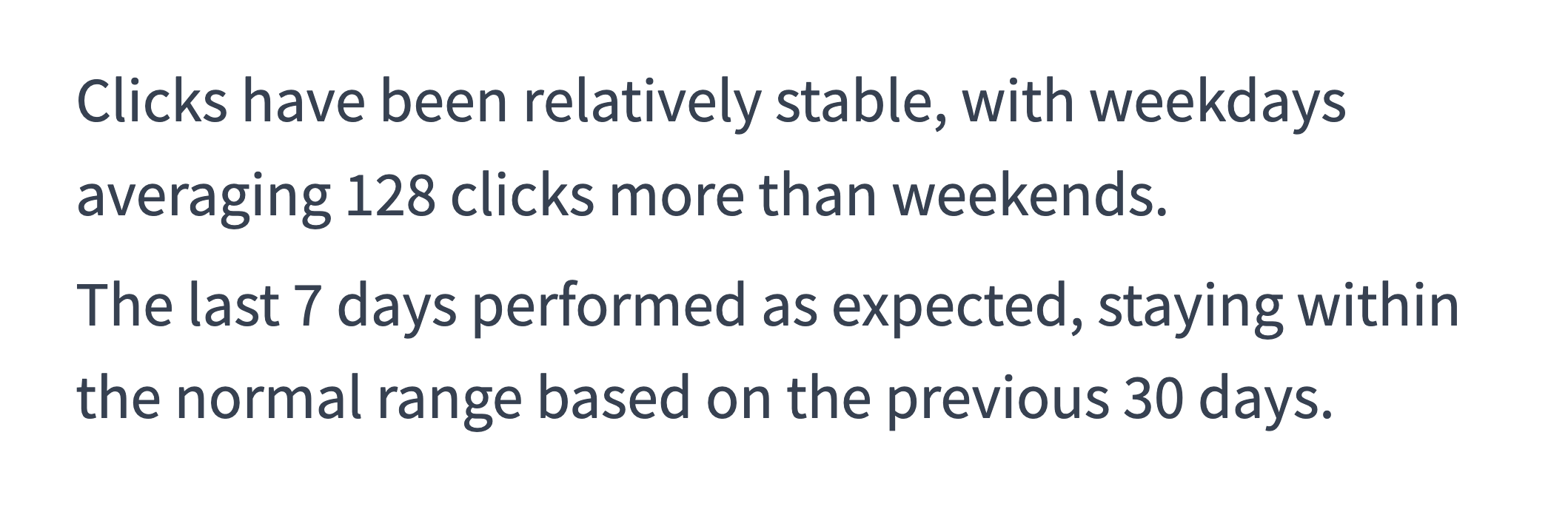
Plain English For Everyone
You don't need a stats degree to understand our reports. We explain every insight in clear, simple language. Because everyone needs to understand what's going on with your metrics.
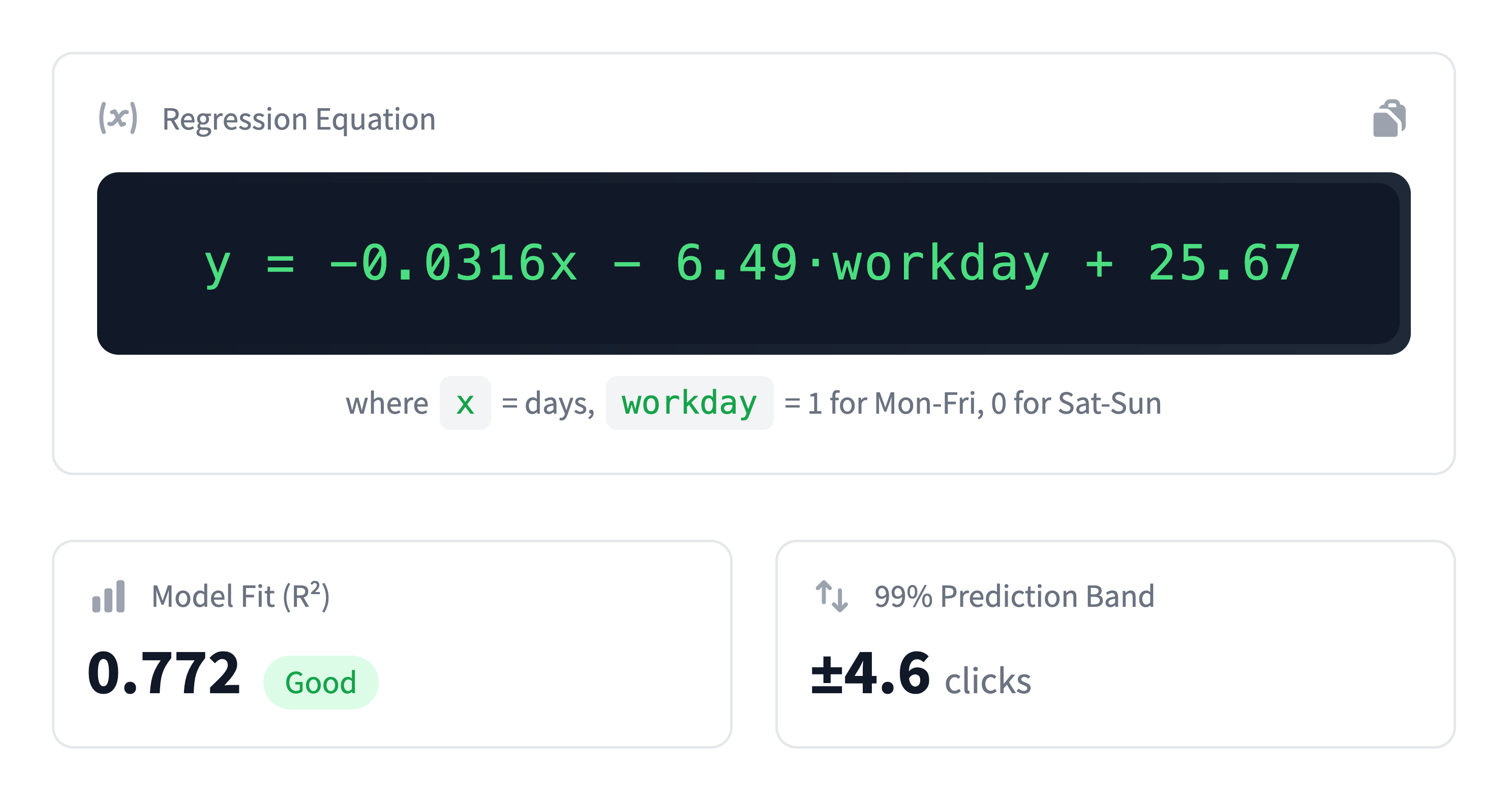
Details for Data Nerds
But, if you want the technicals, we've got them. See the regression equation, R² value, and confidence intervals for each model.
How WebTrafficWatch Works
WebTrafficWatch acts like a lightweight data science layer on your analytics, automatically answering: "Did something unusual happen last week?"
Connect Your Data
Link your Google Analytics 4 and Search Console account. Select the metrics you want WebTrafficWatch to track.
Ongoing Monitoring
WebTrafficWatch cleans your data to remove outliers like traffic spikes. It then builds linear models to identify trends and patterns.
Weekly Reports
Get a weekly email summary highlighting anomalies, plus a dashboard with trend explanations, confidence bands, and detected outliers - all in plain English.
Read the full article: How WebTrafficWatch Works
Start catching trend changes automatically
Connect in under 2 minutes with your Google account.
No credit card needed to get started